
발전하는 춘배
[Spring 공부] 2. HTTP 요청에서 데이터 전달받기 | @RequestParam, @PathVariable, @RequestBody 본문
[Spring 공부] 2. HTTP 요청에서 데이터 전달받기 | @RequestParam, @PathVariable, @RequestBody
춘배0 2026. 9. 16. 19:20이전에는 간단히 GET요청을 받으면 정적인 응답을 뿌리는 코드를 공부해 보았다.
이번에는 HTTP 요청에서 데이터를 전달받는 방법에 대해 알아보자.
크게 3가지 방법이 있다.
- @RequestParam
- @PathVariable
- @RequestBody
하나씩 알아보자.
1. @RequestParam
우선 저번에 작성한 HelloController에 새로운 메서드를 추가해보자.
    @GetMapping("/hello/name")
    public String helloName(@RequestParam String name) {
        return "Hello, " + name;
    }
서버를 띄워보면 아래와 같이 된다.
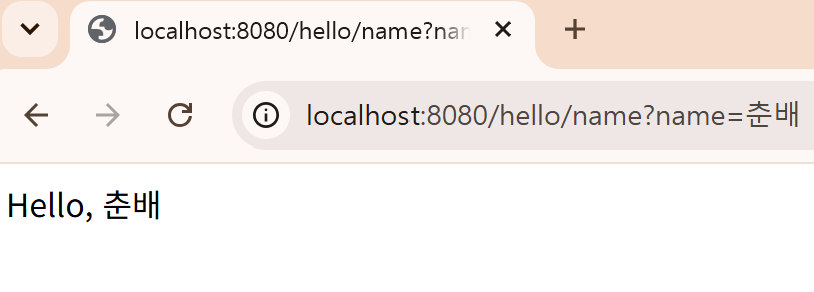
url에서 ?뒤에 붙은 query parameter (name=춘배)를 스프링이 알아서 @RequestParam String name에 넣어준다.
참고로 이때 query parameter를 작성하지 않고 /hello/name으로만 접속해보면
2026-09-08T17:51:15.007+09:00 WARN 14236 --- [spring] [nio-8080-exec-7] .w.s.m.s.DefaultHandlerExceptionResolver : Resolved [org.springframework.web.bind.MissingServletRequestParameterException: Required request parameter 'name' for method parameter type String is not present]이런 MissingServletRequestParameterException 오류 로그를 확인할 수 있다. 예외처리를 하지 않았기 때문이다.
2. @PathVariable
이번에는 다음 메서드를 추가해보자.
    @GetMapping("/hello/{name}")
    public String helloPath(@PathVariable String name) {
        return "Hello, " + name;
    }
RequestPram이랑 차이점은 GetMapping url에 중괄호로 parameter를 표현해준다는 점이다.
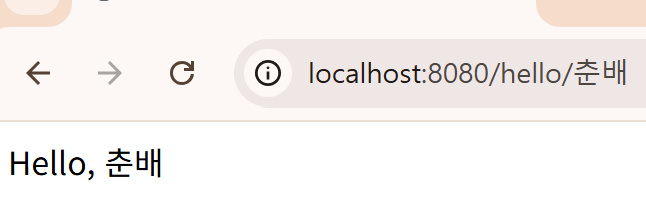
보면 url 자체를 스프링이 @PathVariable String name에 넣어준다.
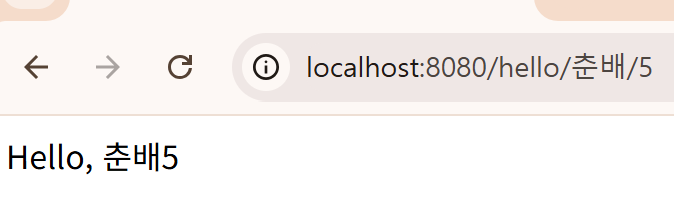
추가로 여러 파라미터를 받는 것도 당연히 가능하다.
    @GetMapping("/hello/{name}/{age}")
    public String helloPath(@PathVariable String name, @PathVariable int age) {
        return "Hello, " + name + String.valueOf(age);
    }
3. @RequestBody
이번에는 조금 다르게 사용자가 JSON 데이터를 보내게 해보자.
우선 DTO를 추가해준다.
DTO(Data Transfer Object; 데이터 전송 객체)란? 프로세스나 계층 간에 데이터를 전달하기 위해 사용하는 순수한 데이터 객체다.
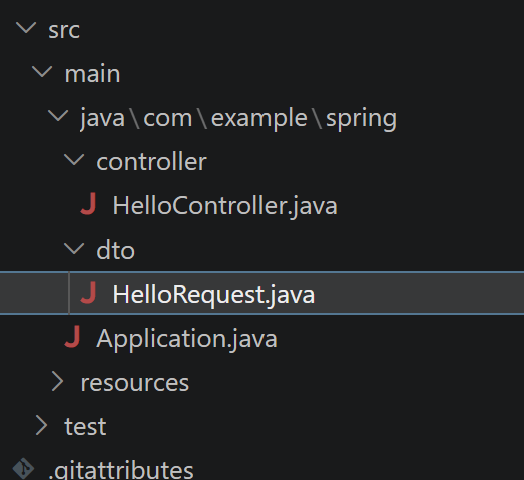
package com.example.spring.dto;

public class HelloRequest {

    private String name;
    public String getName() {
        return name;
    }

    public void setName(String name) {
        this.name = name;
    }

}
단순한 DTO이다.
이제 컨트롤러에 메서드를 추가해준다.
    @PostMapping("/hello")
    public String helloPost(@RequestBody HelloRequest request) {
        return "Hello, " + request.getName();
    }
보면 가장 큰 차이점이 있는데 @PostMapping이라는 점이다. 즉 /hello로 POST 요청을 보낼 때 아래 내용을 return한다.

지금은 요청 본문이 짧으니까 curl로 간단하게 테스트해볼 수 있다.
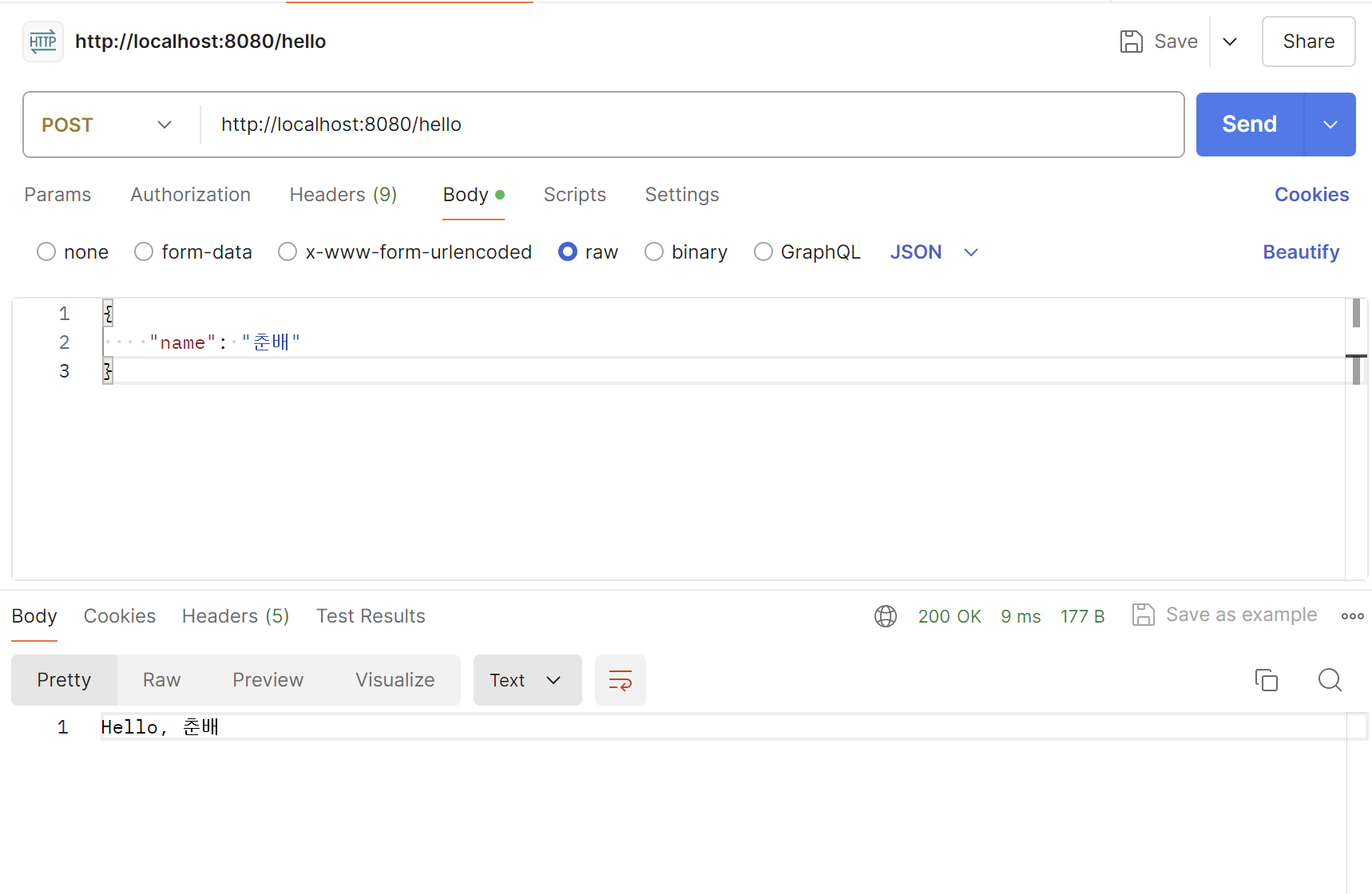
POSTMAN을 통해 요청해봤다. 똑같이 응답이 잘 온다.
[참고자료]
'backend > Spring' 카테고리의 다른 글
| [Spring 공부] 1. Spring 프로젝트 구조 이해하기, HelloController (0) | 2026.09.05 |
|---|
